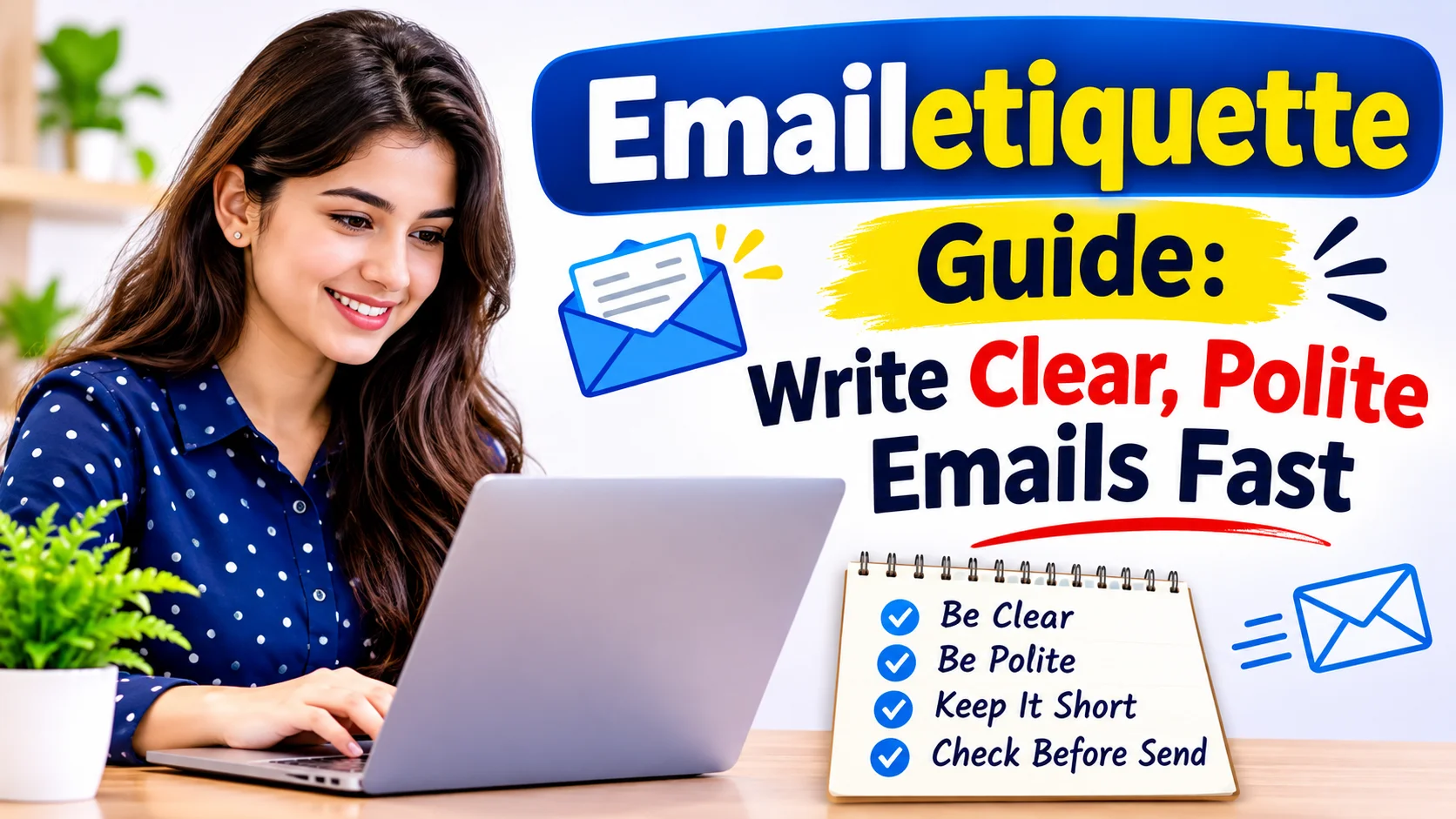
Email remains one of the most important ways to communicate in both professional and personal settings. Whether you are contacting a client, applying for a job, speaking with a teacher, or sharing updates with your team, the way you write an email matters. Good Emailetiquette helps you create a positive impression, avoid misunderstandings, and get faster responses.
Many people focus only on the message itself. However, email etiquette involves much more than writing a few sentences. It includes choosing the right subject line, using a polite tone, organizing information clearly, and responding on time. A strong emailetiquette makes communication easier and more effective for everyone involved.
In this guide, you’ll learn practical rules, real-world examples, and simple tips that will help you write better emails every day.
Why Emailetiquette Matters More Than You Think
Email still runs in most offices. Many workers get more than 100 messages a day, and your inbox often introduces you to a new boss, client, or teacher. Your writing speaks before you do.
Your Email Is Your First Impression
A clean, polite message tells the reader you care. A messy one tells them you rushed. People form that opinion in seconds, and they rarely forget it.
Picture a job applicant who writes “hey” with no name and no subject line. The hiring manager will probably pause. Now picture another applicant who writes a clear subject, a friendly greeting, and a short pitch. That person stands out for the right reasons.
Good Manners Save Everyone Time
Clear emails cut down on back-and-forth. When you state your request and your deadline, the reader knows what to do. You get answers faster, and nobody has to guess.
Strong Emailetiquette also lowers stress. Polite, direct messages stop small misunderstandings from growing into big arguments. Your coworkers will thank you, even if they never say it out loud.
Write Subject Lines That Get Opened
Keep It Short and Specific
Most people decide in one second whether to open an email. A vague subject like “Quick question” gets ignored. A clear one like “Budget report due Friday, need your input” gets attention.
Aim for six to ten words. Put the most important word first, because phones cut off long subjects. Skip all caps and extra exclamation marks, since they look like spam.
Change the Subject When the Topic Changes
Long threads drift. Say your chat about a team lunch turns into a talk about next quarter’s goals. Start a fresh email with a new subject, and everyone can find the message later.
Greet and Sign Off Like a Pro
Choose the Right Opening
Use the person’s name whenever you can. “Hi Maria,” works well in most situations. Use “Dear Dr. Lee,” for formal messages or first contact with senior people.
Check the spelling of the name twice. A wrong name feels like a small insult, even when you mean no harm. If you don’t know the name, “Hello,” beats “To whom it may concern.”
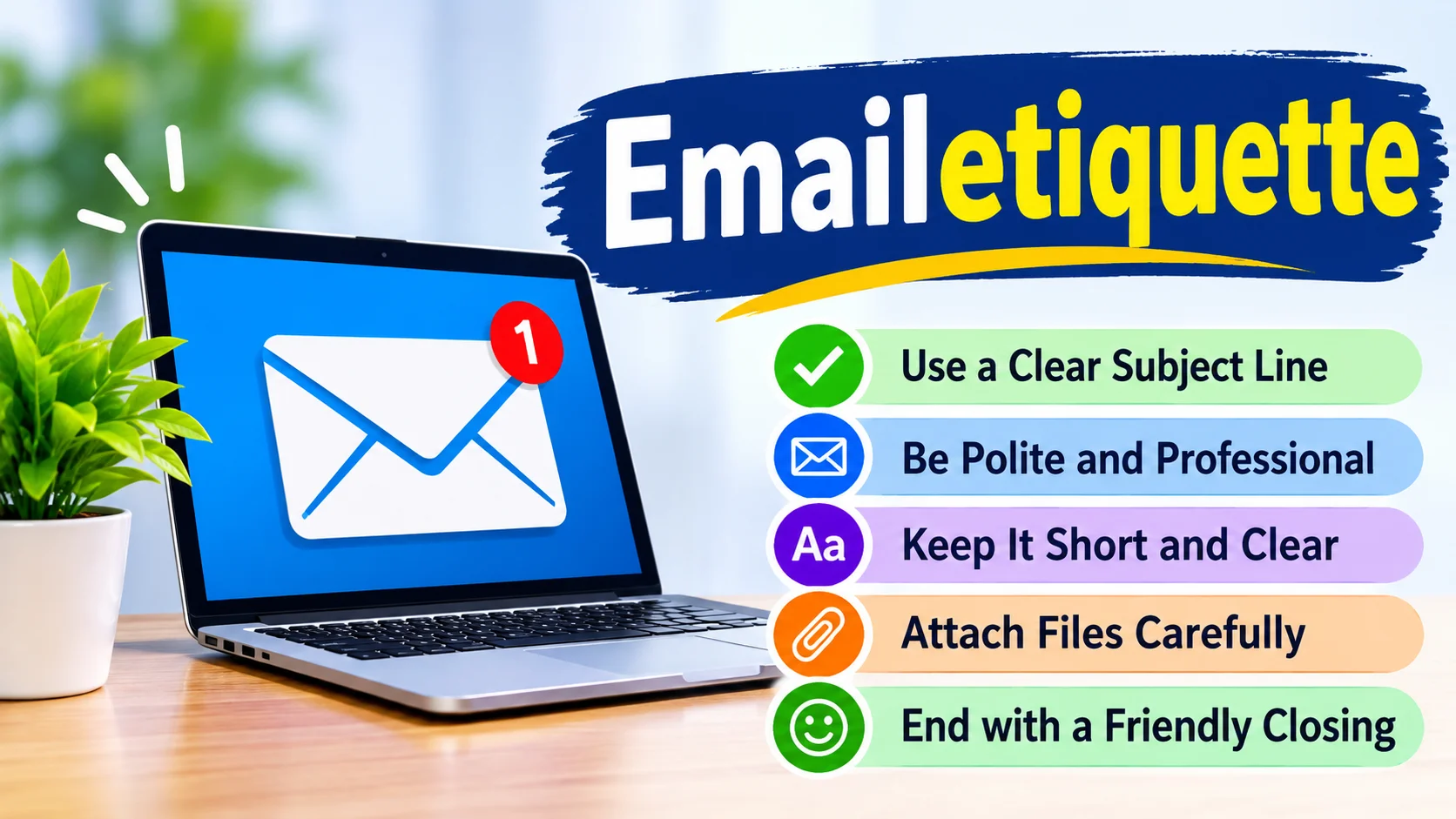
End With a Warm, Clear Sign-Off
“Best regards,” “Kind regards,” and “Thanks,” all work well. Pick the one that fits your bond with the reader. Then add your full name and, if needed, your job title and phone number.
Save “Cheers” for friendly chats. Also, don’t blame typos on “Sent from my phone.” Readers forgive short messages, but they notice careless ones.
Keep the Message Clear, Short, and Kind
Lead With Your Main Point
Busy readers skim. Put your request in the first two lines, then add details below. If you need a decision, say so and name a date.
Here is a simple example. Skip the three paragraphs of background and write: “Could you approve the design by Thursday? I attached the draft and my notes.” That message is short, clear, and easy to answer.
Match Your Tone to Your Reader
Tone does not travel well over text. A joke that works in person can sound sharp on a screen. When in doubt, add a friendly line such as “Hope your week is going well.”
Read your email aloud before you send it. If it sounds cold, soften it. If it sounds like a ramble, trim it.
Format for Easy Reading
Use short paragraphs of two to four sentences. Add bullet points for lists, and bold one key date at most. White space helps tired eyes.
Emailetiquette Cheat Sheet You Can Use Today
This table sums up the main habits. Print it, save it, or stick it on your monitor.
| Situation | Do This | Avoid This |
| Subject line | Write 6 to 10 clear words | Write “Hi” or “Help!!!” |
| Greeting | Use the person’s name | Write “Hey you” or skip it |
| Message length | Keep it under 200 words | Send a wall of text |
| Tone | Stay polite and calm | Use ALL CAPS or sarcasm |
| Attachments | Mention them in the body | Send huge files without warning |
| Reply All | Use it only when everyone needs the answer | Use it for a simple “Thanks!” |
| Response time | Reply within one business day | Leave messages unread for a week |
| Sign-off | Add your name and contact details | End with no name |
Master Reply All, CC, and BCC
Know When to Hit Reply All
Reply All fills inboxes fast. Use it only when every person on the thread needs your answer. If you just want to say thanks, reply to the sender alone.
Imagine a company-wide email that reaches 500 people. One person replies all with “Got it!” and forty more follow. Nobody wants to read that chain.
Use CC and BCC With Care
Use CC for people who need to stay informed but don’t need to act. Use BCC to protect privacy, such as when you email a group of clients who don’t know each other. Never use BCC to secretly copy a boss during a conflict, because that move often backfires.
Handle Attachments, Timing, and Replies Smartly
Attach Files the Right Way
Mention the attachment in your message, then check that the file is really there. Give it a clear name, such as “Smith_Proposal_Nov2026.pdf”. Compress large files or share a link instead.
Many people type “see attached” and forget the file. Add the attachment first, then write the email. That one habit saves a lot of embarrassment.
Reply on Time
Most people expect a reply within one business day. If you need longer, send a short note: “Got your message. I will answer by Friday.” That one line shows respect.
Avoid sending emails late at night unless that is your normal rhythm. Use the schedule send feature, so your note lands in the morning. Your coworkers will sleep better.
Pause Before You Send an Angry Email
Anger and email make a bad pair. Write your draft, then wait an hour. Most of the time, you will change a few lines or delete the whole thing.
Emailetiquette for Remote Teams and Job Seekers
Remote work makes written messages even more important. Teammates in different time zones can’t stop by your desk, so your email must tell the full story. State the time zone when you set a deadline, such as “by 5 p.m. EST.”
Job seekers need extra care too. Follow Emailetiquette rules when you apply, follow up, or thank an interviewer. Use a simple email address with your first and last name, not a nickname from high school. Send a thank-you note within 24 hours of an interview.
Handle Tough Emails With Grace
Say No Without Burning Bridges
Start with thanks, give a short reason, and offer another option if you can. For example: “Thanks for thinking of me. I can’t take on a new project this month, but I could help in January.” The reader hears a clear no and a kind tone.
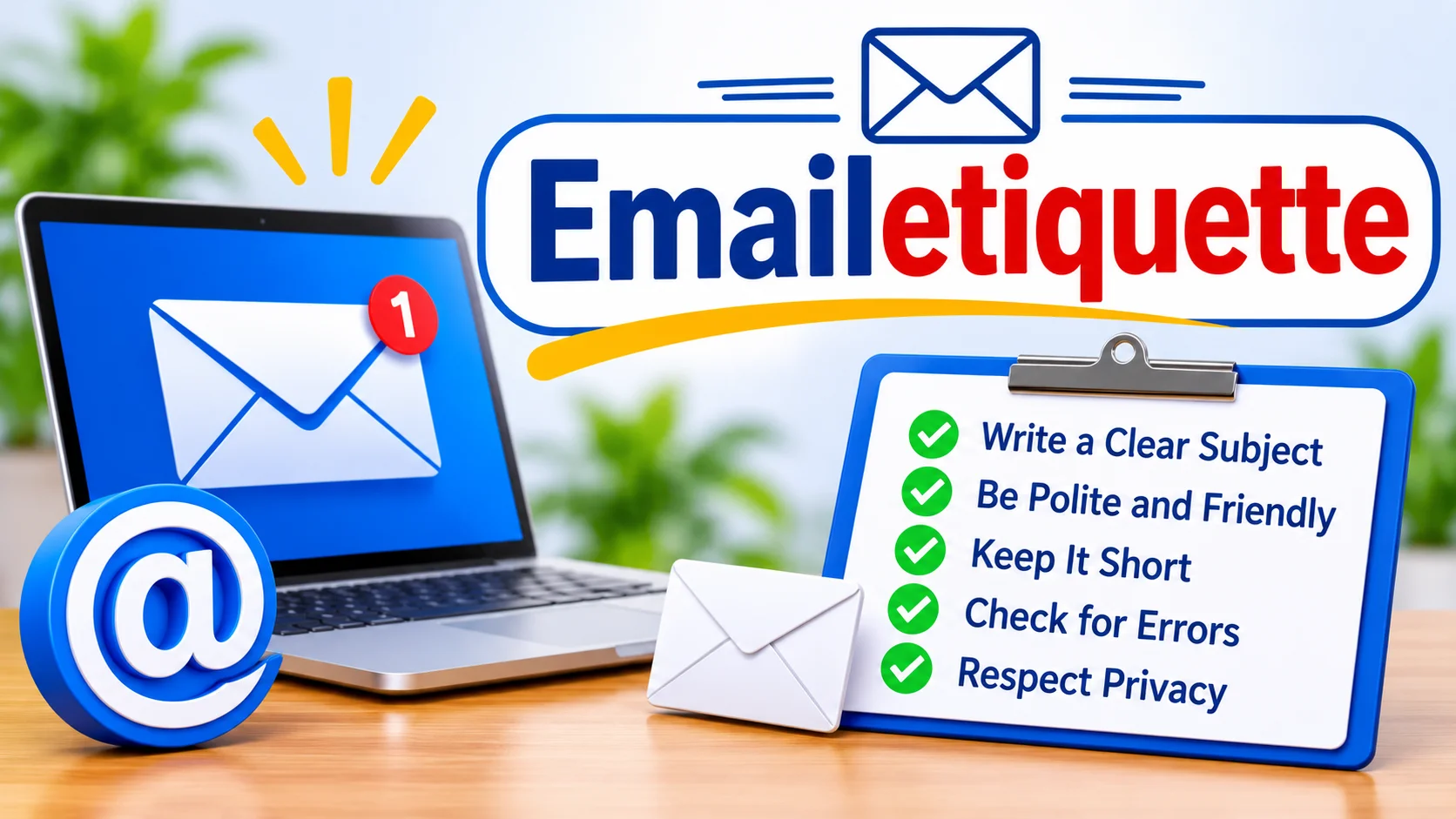
Respond to Complaints Calmly
Open by thanking the person for telling you. Own the problem, explain the fix, and give a date. Skip the excuses, because people calm down when they feel heard.
Apologize the Right Way
A good apology is short and specific. Try this: “I’m sorry I missed the deadline. The report will reach you by noon tomorrow.” Skip the long story, and just fix the problem.
Common Mistakes and Easy Fixes
Typos and Autocorrect Slips
Typos happen to everyone. A quick proofread still catches most of them. Run a spell check and read the first and last lines twice, since errors love to hide there.
Too Much Humor, Emojis, or Slang
A smiley can warm up a note to a friendly coworker. It can look odd to a new client. Follow the reader’s lead and match their style.
Forwarding Without Permission
Never forward a private email without asking. Even an innocent forward can hurt trust. When in doubt, ask the sender first.
Writing Too Much
Long emails get skimmed or ignored. Split big topics into separate messages, or suggest a quick call. A five-minute chat often beats a ten-paragraph thread.
Add a Human Touch to Every Message
Friendly does not mean sloppy. A short opening line like “Hope you had a good weekend” warms up the page. Contractions such as “I’ll” and “we’re” make you sound like a real person.
Remember the person on the other end, too. They have deadlines, families, and full inboxes, just like you. Kindness costs nothing, and it turns the rules into plain common sense.
See It in Action: A Sample Email
Subject: Draft review needed by Thursday
Hi Maria,
I hope your week is going well. Could you review the attached design draft by Thursday at noon? I need your notes before we meet the client on Friday.
Thanks so much,
Sam Rivera
This short note has a clear subject, a warm greeting, one request, and a deadline. Anyone can write one like it in two minutes.
Frequently Asked Questions
What are the basic rules of good email manners?
Use a clear subject, greet the reader by name, and get to the point fast. End with a polite sign-off and proofread before you send.
How long should a professional email be?
Aim for under 200 words. If you need more space, use short paragraphs or bullet points, or suggest a call.
Is it okay to use emojis in work emails?
Yes, but only with people you know well. Skip them in formal messages and first emails to new contacts.
How fast should I reply to an email?
Reply within one business day for most messages. If you need more time, send a quick note that says when you will answer.
When should I use CC instead of BCC?
Use CC when everyone can see who else gets the message. Use BCC to protect privacy, such as when you email many people who don’t know each other.
Conclusion
Email remains one of the most powerful communication tools in modern life. While sending a message may seem simple, thoughtful communication requires attention to detail. Good Emailetiquette helps people connect, share information clearly, and maintain positive relationships.
By using clear subject lines, professional greetings, organized messages, proper grammar, and respectful responses, you can improve every email you send. Small habits often create the biggest impact. When you practice strong Emailetiquette consistently, your communication becomes more professional, trustworthy, and effective.